Chats
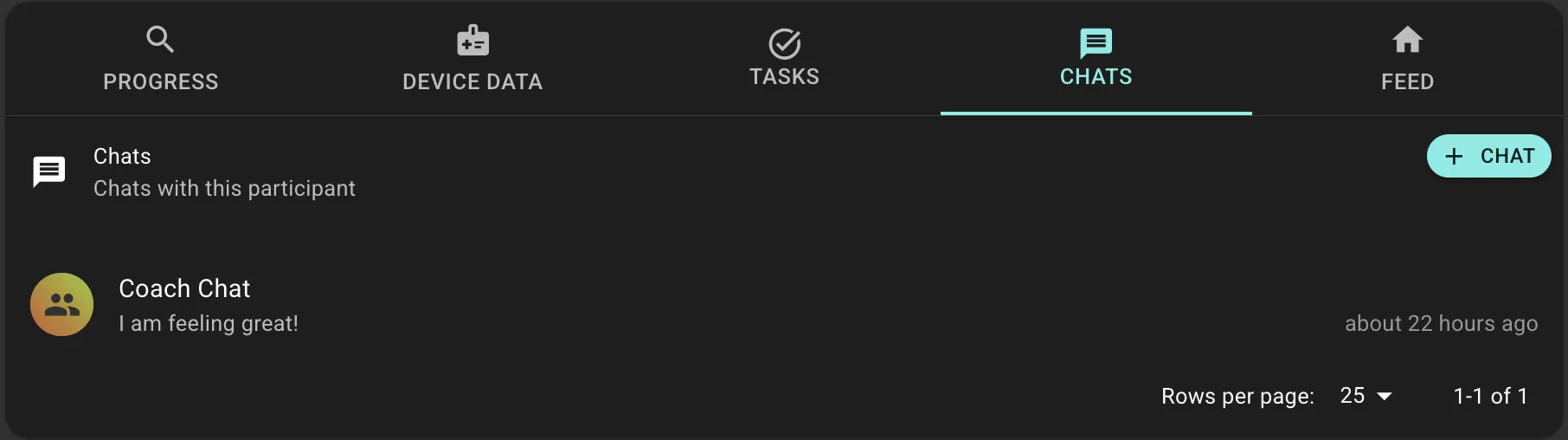
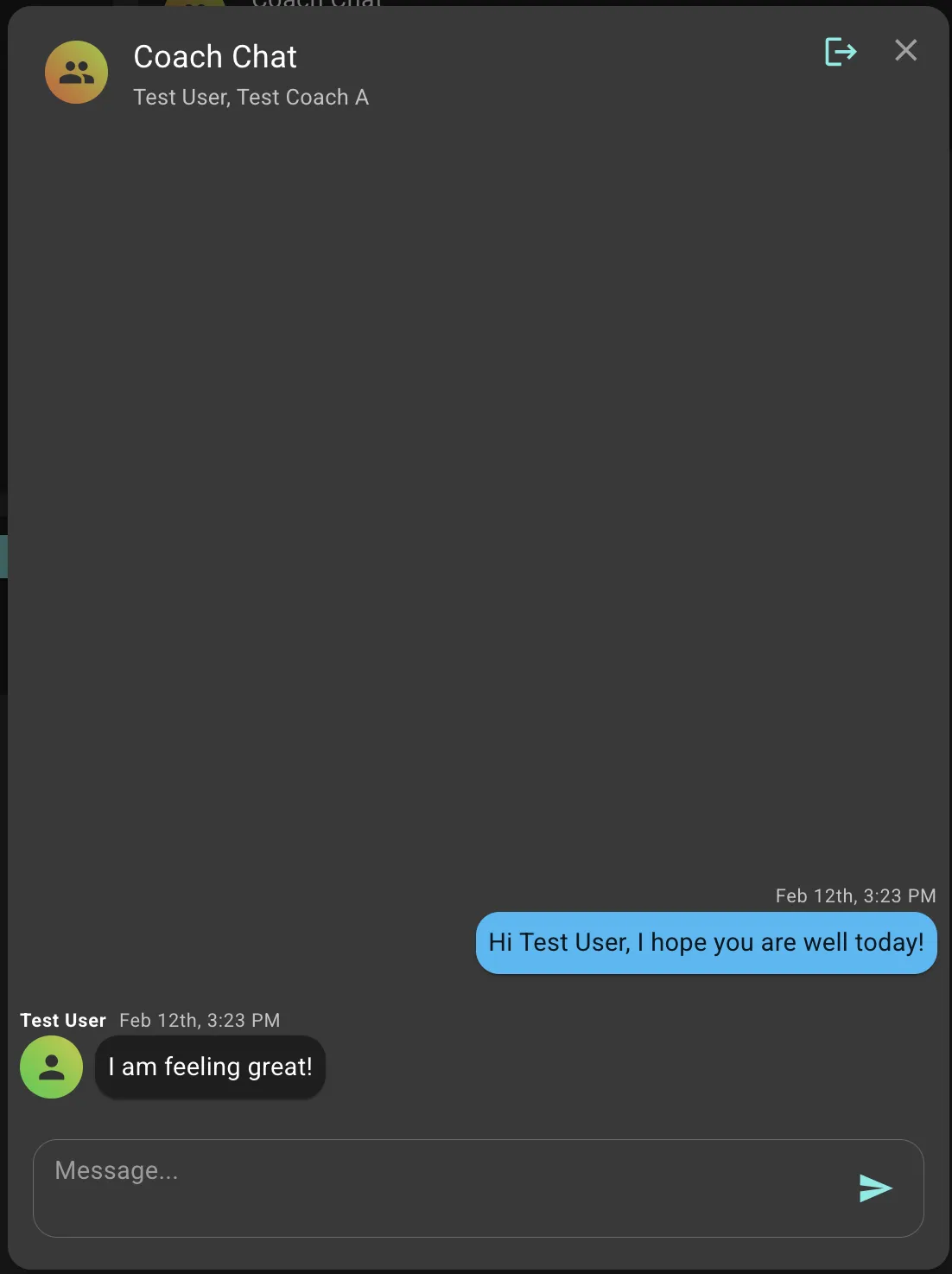
Chats enable direct, text-based communication between Coaches and Participants. They provide a secure messaging channel within the platform for both reactive support and proactive engagement.
Types of Chats
Coach-Initiated
Coaches can start conversations with participants for personalized guidance, follow-ups, or support.
Journey-Initiated
Journeys can automatically send messages as part of States or Transitions-useful for timed check-ins, conditional support, or celebration messages. Messages sent from Journeys can include response options (buttons) that allow participants to reply with a quick tap, making it easy to branch Journey logic based on their response.
A Journey asks: "Are you experiencing any side effects?" with buttons for "Yes" and "No"-branching to different States based on the participant's choice.
Message Content
Chats support plain text, emojis, and response buttons (for Journey-initiated messages). For rich content like educational materials, coaches should prescribe Content Cards to the participant's Feed.
Chats currently don't support images, videos, files, or formatted text.
Notifications & Tasks
When participants send messages, coaches are notified immediately. If a message remains unread past a configured threshold, the system automatically creates a Task to ensure timely response.
Rapid responses (within 24 hours) correlate strongly with participant retention and satisfaction.
Best Practices
For Coaches:
- Be personal, timely, and encouraging
- Keep messages concise and actionable
- Set clear expectations about response times
For Journey Designers:
- Don't over-message-use sparingly
- Use response buttons for simple branching decisions
- Time messages appropriately based on participant preferences