Feed
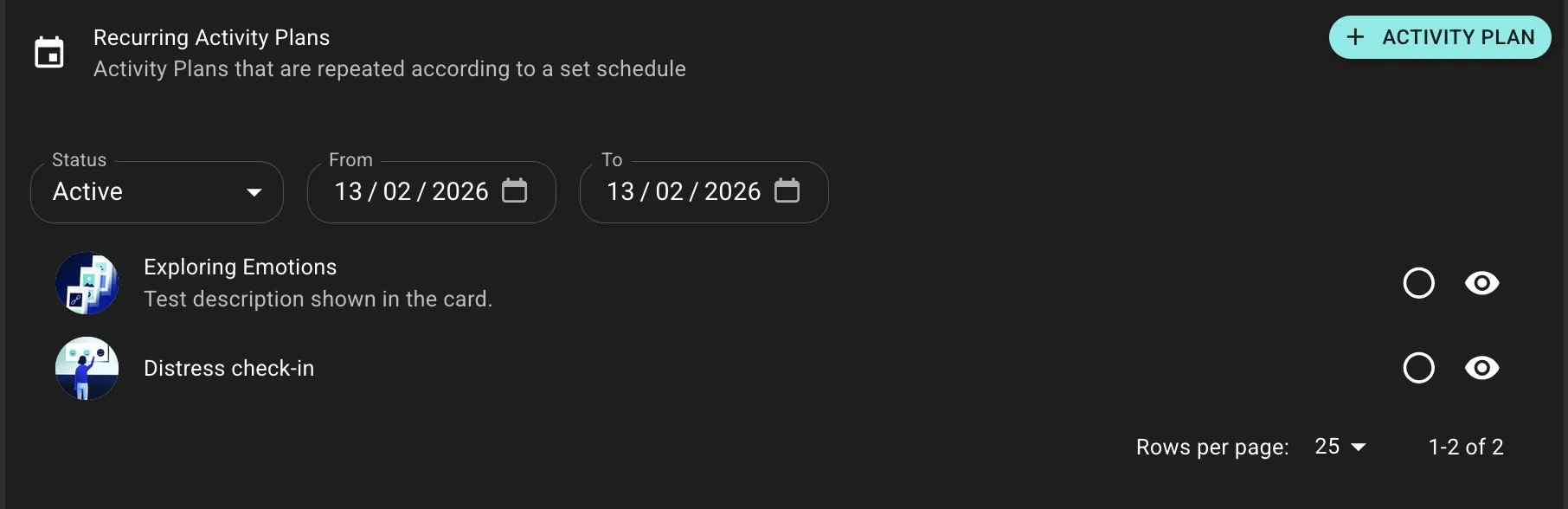
The Feed is the coach's preview of what the participant sees in their app. It shows all assigned Activity Plans organized by Health Area, giving coaches visibility into the participant's daily experience.
A coach reviews Sarah's Feed and sees today's Activity Cards, educational Content from her Journey, and persistent Health Measures-all organized by Health Area.
How Activity Plans Appear
Activity Plans reach the participant's Feed through three pathways:
Manual Prescription
Coaches can prescribe Activity Plans directly to participants for personalized interventions.
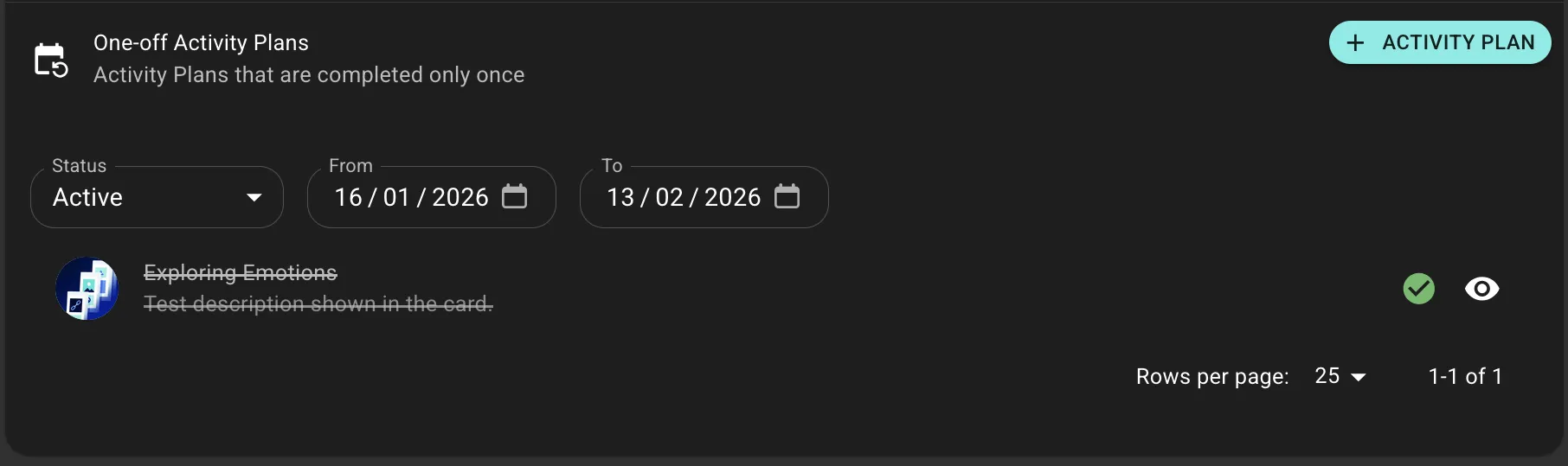
Journey Delivery
When assigned to a Journey, participants receive Activity Plans automatically. This is the primary method for structured programs.
Health Measures
Health Measures are Activity Plans with no schedule, allowing participants to log data (weight, mood, etc.) whenever they choose. They remain persistently available in the Feed.
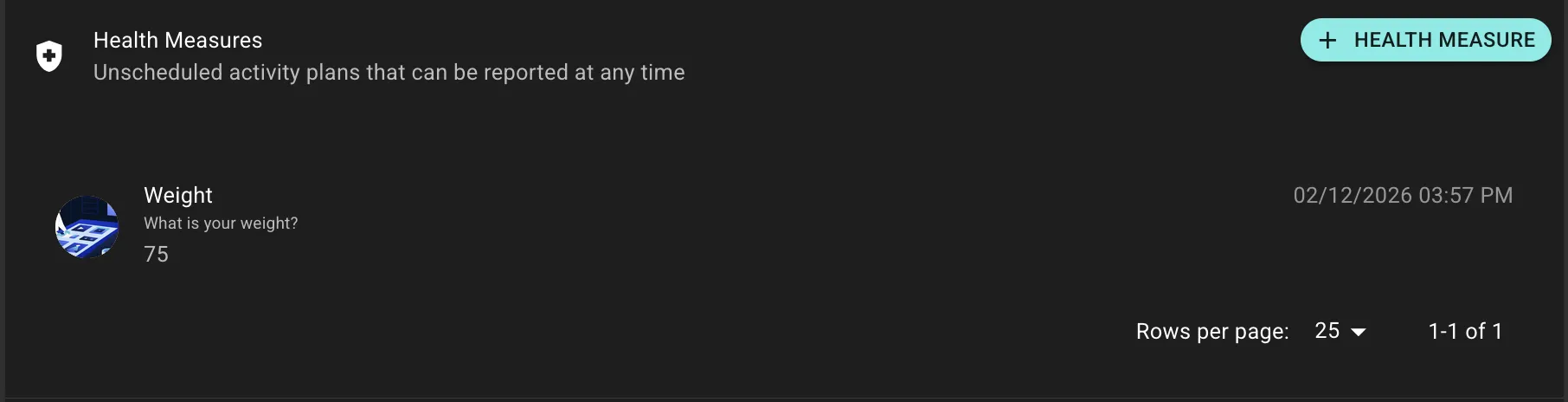
All Cards are Activity Plan templates. Every Card assignment creates an Activity Plan. Activity Plans can be completed on schedule or anytime-Health Measures have no schedule, so they're always available for anytime completion.
Organization
Activity Plans are grouped by Health Area to help participants understand how different activities support their wellness. The calendar view lets participants review past activity and track streaks.
Best Practices
- Don't Overwhelm: Balance the number and types of Activity Plans to maintain engagement
- Strategic Timing: Schedule Activity Plans when participants are most likely to complete them
- Use Health Areas: Group related activities together for clarity